Connect your hearing aids to your phone using Bluetooth
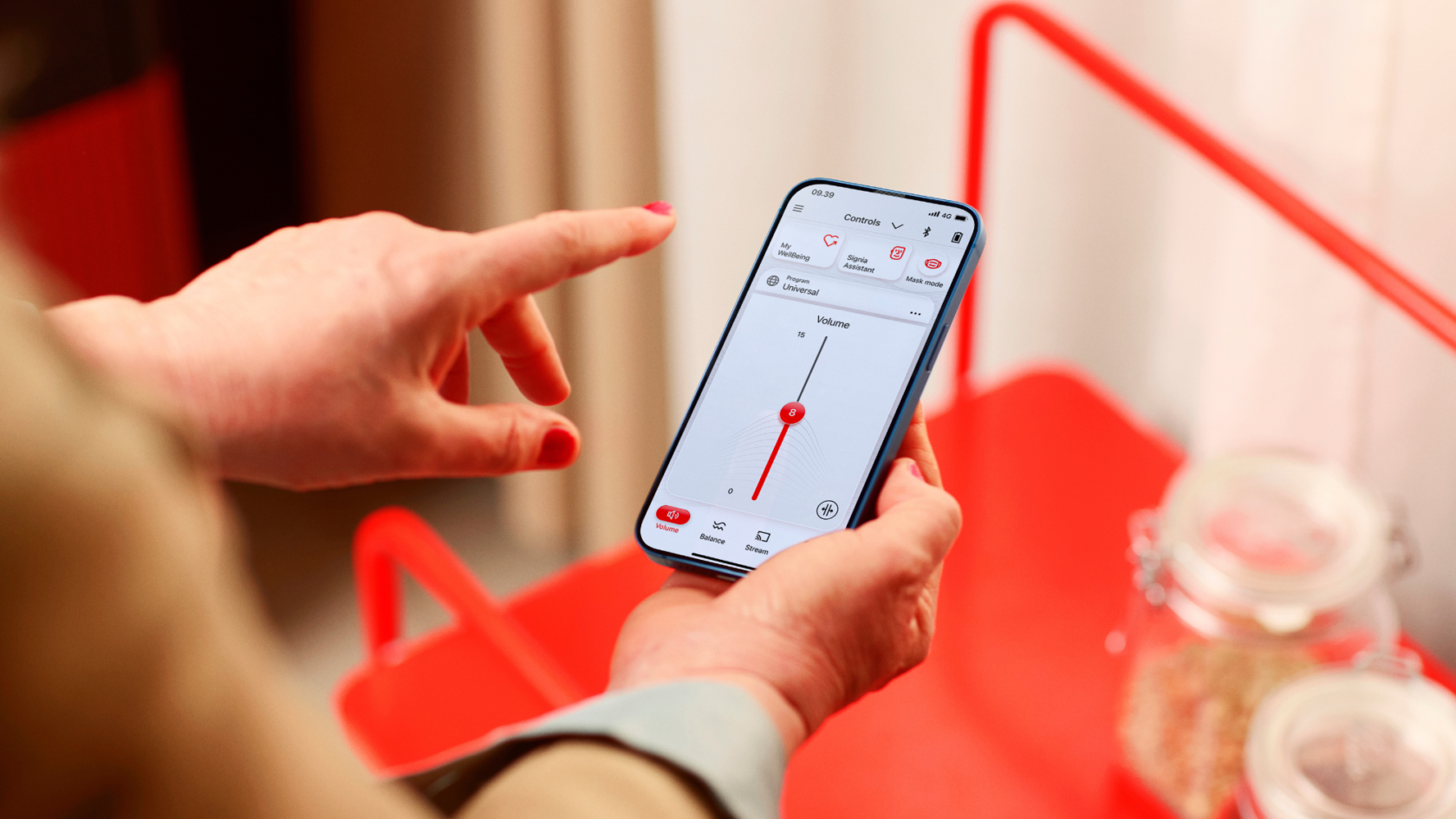
Many modern hearing aids can connect to smartphones using Bluetooth.
The steps vary depending on your hearing aid brand and the type of phone you use. This page helps you find the right video guide for your setup.
Is this guide right for you?
- Your hearing aids support Bluetooth
- You want to connect them to a smartphone
- You know which hearing aid brand you have (Signia or Widex)
Not sure whether your hearing aids support Bluetooth, or which brand you have? Contact our team and we'll help you check first.
Signia hearing aids
Using an iPhone
Click to watch Signia Bluetooth setup for iPhone
Using an Android phone
Widex hearing aids
Using an iPhone
Click to watch Widex Bluetooth setup for iPhone
Using an Android phone
If it doesn't work first time
Once you've watched the relevant video, it's normal for Bluetooth setup to take a couple of attempts. If you're unsure at any point, you can contact our team and we'll help you.
Need further help?

Contact a member of our team
If you still have questions, you can speak to one of our friendly hearing aid advisers.
Get in touch
Need more hearing aid supplies?
Head over to our shop for hearing aid batteries, wax guards, filters and cleaning supplies.
Visit our online shop
Time for your next hearing test?
We'll test your ears, assess your individual needs, run through your options and help find the right hearing aids for you.
Book a hearing test