



6 Tips on Making Watching TV Easier with Low Vision
Struggling to see the TV clearly? Discover tips for better viewing with low vision - from screen choice to lighting, audio description and glasses.
27 August 2024
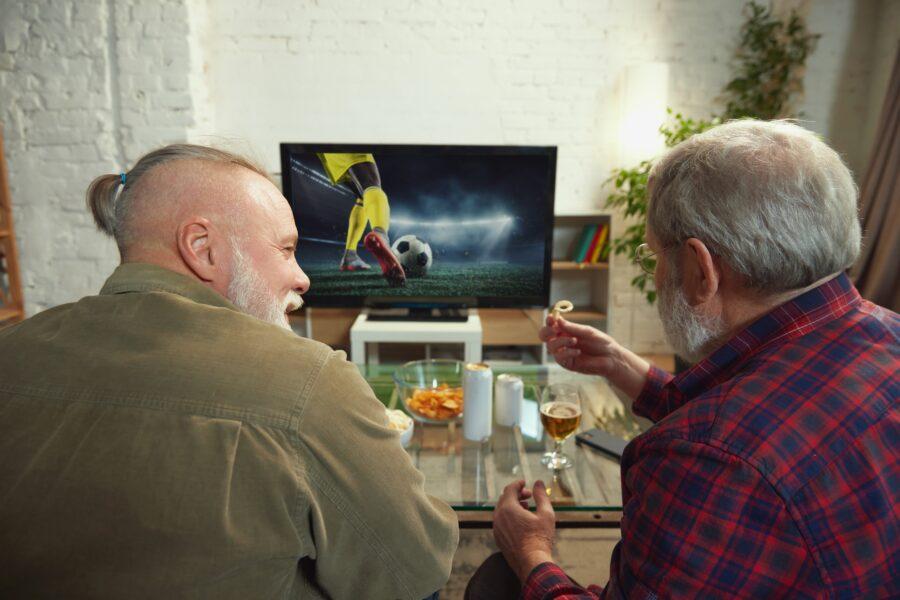
Choose the right sized TV with a good image quality
A larger TV with a good HD (high-definition) image can make a big difference when watching with low vision.
Investing in a larger TV with good HD image quality is now more affordable than ever. The price of larger, HD-quality TVs has dropped significantly over the years as the technology has become more widespread.
Considering how much time we spend watching TV, it’s a worthwhile investment to ensure you enjoy your favourite programmes with the best possible visual clarity.
Find the optimal viewing position
Sitting close enough to your TV and ensuring the room is well-lit can reduce eye strain.
Avoid glare by adjusting the angle of the TV away from any light sources or changing the lighting in your room, this can help make the screen easier to see, especially during darker scenes.
At OutsideClinic, during our home eye tests, our opticians offer personalised advice on optimising your home lighting and positioning your chair for the best TV viewing experience.

Adjust your TV settings
Increasing brightness and tweaking contrast levels can make the images stand out more.
To adjust these settings, use your TV’s remote control to navigate to the 'Settings' or 'Picture' menu.
From there, you should be able to find options for adjusting 'Brightness' and 'Contrast.'
Experiment with these settings until the picture is clear and comfortable for your eyes.
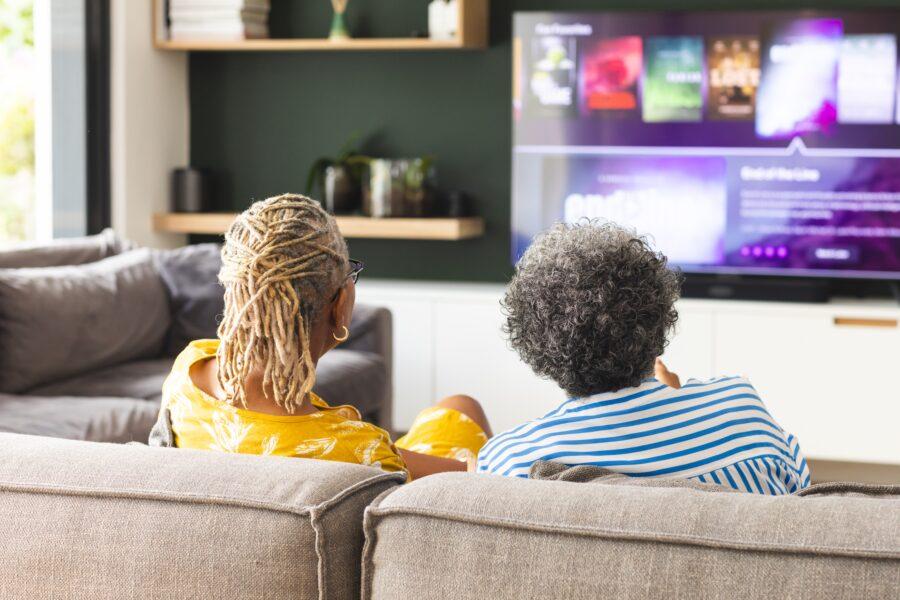
Take advantage of audio description features (AD)
Audio description is a feature that narrates what’s happening on screen, providing context for visual elements like actions or settings.
This feature is widely available on most modern TVs and can be especially useful for those with low vision.
To turn on audio description, go to your TV’s 'Accessibility' settings, usually found in the 'Settings' menu. There, you’ll find an option to enable 'Audio Description.'
Many modern TVs also come with built-in screen readers that convert on-screen text and menus into spoken words, making navigating settings menus easier.
Watch the video (opens in a new tab)
Use voice-controlled remote controls
If you find it difficult to see the buttons on a remote, consider using a voice-controlled option.
Some Smart TVs and devices like Sky Q and Amazon’s Fire TV stick allow you to issue commands by speaking into the remote, making it easier to control your TV without needing to see the buttons.
For example, with Sky Q, you can say "Play BBC One" into the remote, and it will switch to that channel.
Similarly, Amazon’s Fire TV stick lets you search for channels or shows by simply speaking into the remote.
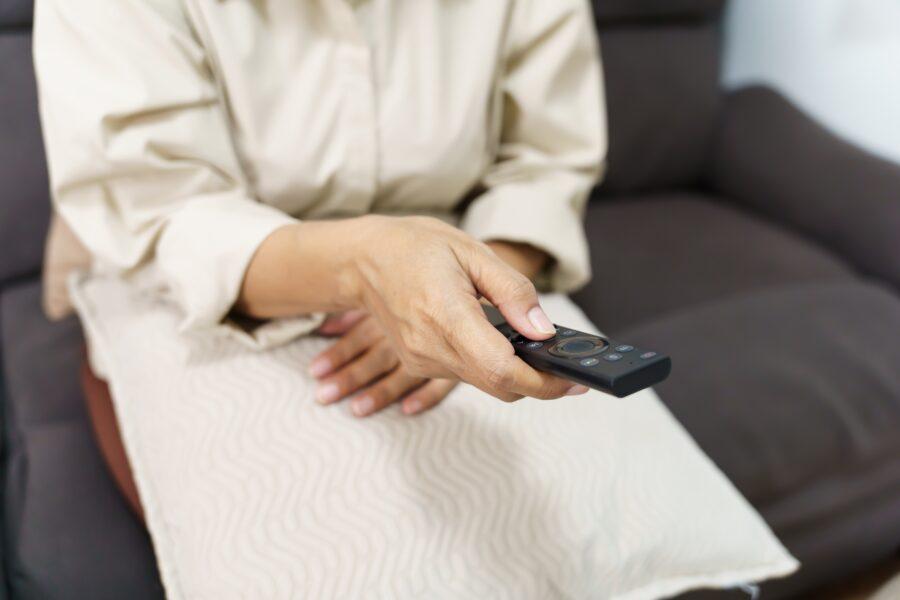
Wear the correct glasses for watching TV
Always wear the correct glasses when watching TV to ensure the clearest vision possible.
Make sure your glasses are up to date and suited to the specific task, whether you need near or distance lenses.
If you’re finding it harder to see the TV, it may be time for a new prescription. OutsideClinic offers home eye tests to help determine the right prescription for your needs.
Ready when you are
Book online, or call us free on 0800 60 50 40 if you’d like to speak to a real person.
Book your at-home visitFind out about at-home eye tests